
Service & Maintenance
Service calls and repairs for the low-voltage systems you already have.
- Licensed and insured
- In-house fusion splicing
- Loss testing on every fiber strand
- Certification-tested copper cabling
- Serving MD, VA, DC, DE, PA and NJ
What We Service
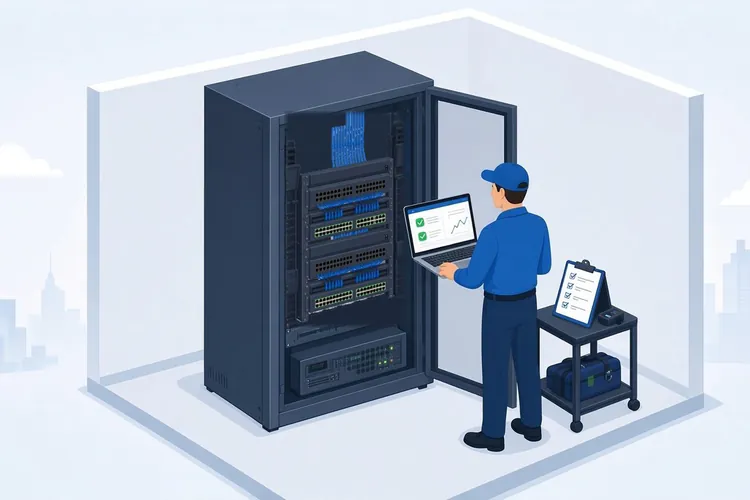
- Network equipment: switches, routers, firewalls and access points
- Fiber and copper cabling, jacks and patch panels
- Security cameras and license plate recognition cameras
- Commercial audio and paging systems
- Displays and digital signage
Multi-Site Service
We provide multi-site service for national grocery and retail chains across Maryland and the Mid-Atlantic. We can take calls through your work-order system, update the ticket as we go, and send close-out notes for each visit.
How Service Works
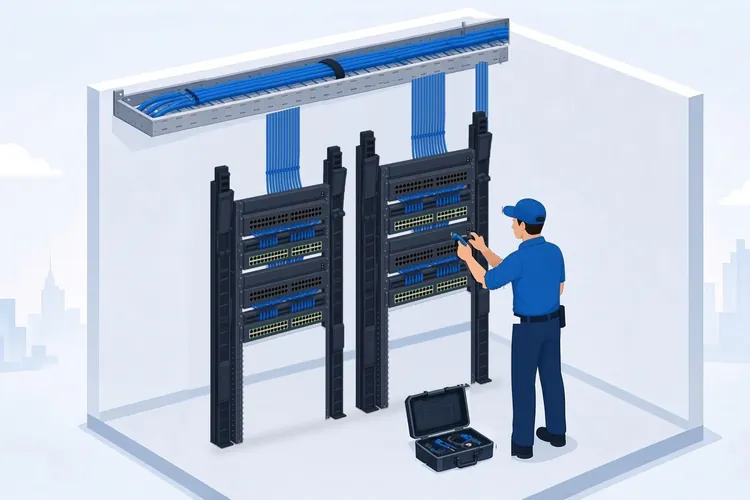
- Request or ticket. Reach us through the contact form or your work-order system.
- Schedule. We confirm the site, the problem and a visit time.
- Fix. A technician diagnoses and repairs the issue on site.
- Close out. You get notes on what was found and what was done.
Who It's For
- Retail and grocery chains with many locations
- Facility and property managers
- Restaurants and single-site businesses
What a Service Visit Covers
Finding the Real Fault
A slow network, a camera that keeps dropping or a dead wall jack often traces back to something small: a bad patch cord, a failed switch port, a damaged cable run or a dirty fiber connector. Our technician tests before replacing anything, so parts get swapped only when the testing points to them. Our guide on testing Ethernet cabling explains what we look for.
Fiber and Copper Repairs
Cut, crushed or damaged fiber is repaired with fusion splicing, done in-house, and every repaired strand is loss tested before we leave. Copper runs that fail are re-terminated or replaced, then certification tested. Read more about fiber optic installation and repair and how fiber loss testing works.
Network Equipment
Switches, firewalls and access points fail or fall out of date. We replace failed hardware, set it up again or restore a saved configuration when one is available, and confirm that registers, cameras and guest WiFi are still on separate networks. Since cameras, audio and signage all ride on the same network, fixing the network often fixes them too. More on business networking and WiFi.
Systems We Did Not Install
Some sites have no record of which cable goes where. We work on systems other contractors installed. As we trace a problem, we label the runs and ports we touch and add them to the notes you get at close-out, so the next visit starts from a record. See how to document network ports.
Common Questions
What should a service request include? The site address, what stopped working and when it started, and anything that changed recently. Photos of the rack or the problem area help, and you can email them to info@chaincomm.com.
Can you work from our ticketing system? Yes. We can take calls through your work-order system and add our notes to the ticket.
Where do you take service calls? Maryland, Virginia, Washington, DC, Delaware, Pennsylvania and New Jersey. See our Mid-Atlantic service area.
Something down or acting up? Send a service request and we will get it scheduled.
Troubleshooting and Maintenance Guides
- What Causes Ethernet Packet Loss on Business Networks?
Common causes of packet loss, how to spot it, and when to call for help.
- How to Troubleshoot Network Dead Zones in Your Building
Finding the real cause of weak WiFi areas and picking the right fix.
- When Should Cabling Be Replaced in a Building?
Warning signs that cabling is due for replacement, and how to plan the upgrade.
- Why Do Cameras Miss Motion? Causes and Fixes
Placement, lighting, sensitivity and recording settings that cause cameras to miss events.
- Network Monitoring Review: What Your Business Needs
What a network monitoring review looks for, and how it cuts downtime.
- Technology Infrastructure Support Services That Last
Ongoing support that keeps networks, cameras and AV systems dependable.